Quizzes for sweepstakes and arbitrage: How to boost traffic and build a database
How to use interactive quizzes to warm up cold traffic, build an email list, and protect against fraud in sweepstakes campaigns.
How to Use Quizzes for Traffic Arbitrage and Sweepstakes Offers
Sweepstakes are one of the most enduring formats in arbitrage. The mechanics are simple: a user enters a giveaway, provides contact information, and the advertiser pays for the lead. It would seem like a transparent scheme.
But here's the problem: the direct approach no longer works. "Win an iPhone - enter your email" offers are blocked by banner blockers, moderation cuts creatives, and users have long since developed an immunity to such offers.
A quiz solves this structurally. Not cosmetically, but structurally. Let's look at how.
Why Cold Traffic from Social Media Doesn't Convert to Direct Traffic
Cold traffic is people who haven't searched for your offer. They were scrolling through their feed, watching stories, and then suddenly—a banner with a giveaway.
The problem is the intent gap. The user isn't in "want to win something" mode. They're in "watching content" mode. A direct call to action to "enter the giveaway" is like trying to sell insurance to someone who's just come for coffee.
What happens next is predictable:
- The person sees a page with a form—perceives it as an ad.
- They don't understand why they'd give their email to an unfamiliar site.
- They close the tab.
The CTR may be high, but the conversion rate to leads is 1–2% at best. Money is wasted, and the database isn't growing.
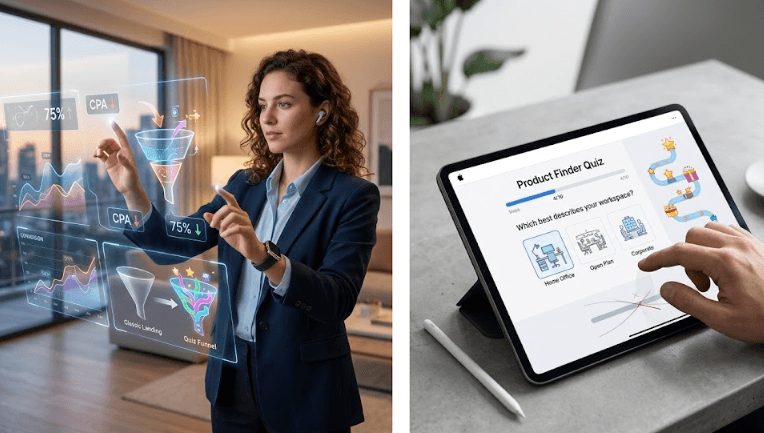
The goal of a quiz is to close this intent gap. Switch the user from "watching content" mode to "participating in something interesting." It literally takes 30-60 seconds of interaction.
How an interactive quiz fuels excitement in sweepstakes
A sweepstakes is always about emotion. Excitement, anticipation, the feeling of "what if it's me?" The classic format kills this emotion: fill in the fields, press a button. Boring.
A quiz ignites this emotion.
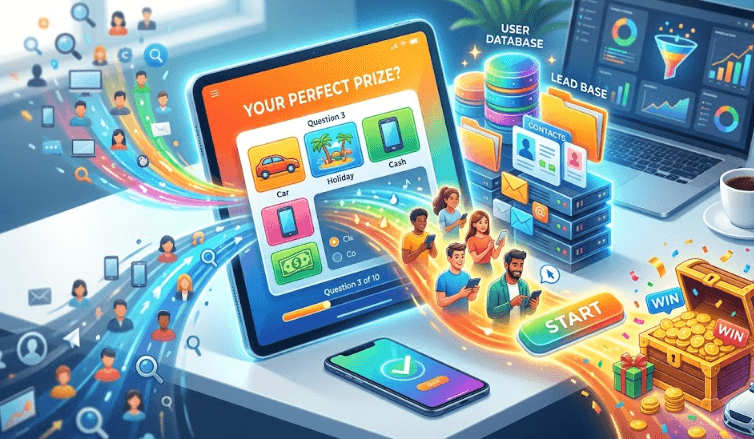
The mechanics are simple. A person answers questions—for example, "Which prize would you choose?", "How often do you get lucky?", "Where do you usually spend your winnings?"—and at the end receives something like, "Your chance of winning is above average! Confirm your participation."
This isn't a scam. It's context. The user has already thought about winning, answered questions about it, and mentally played out the scenario. By the time the email field appears, it's already inside the game, not outside.
A few additional techniques that work:
Progress bar. "Step 3 of 4" creates a feeling of being close to the finish line. Giving up on the third step is psychologically harder than on the first.
Custom results. "You're in the top 20% of participants" sounds personal. Even if it's an automated text, the brain responds to personalization.
Timer or counter. "143 spots left" or "Registration closes in 12 minutes" are classic scarcity triggers. It works especially well for sweepstakes because the context of the giveaway makes it feel organic.
The Ideal Survey Structure for Email Collection
Here's the framework we use and recommend for sweepstakes funnels.
Steps 1–2: Barrier-Free Questions (Clicks, No Text Entry)
The first questions should be as simple as possible—a choice of two or three options, a click on an image. No text entry, no friction.
Examples:
- "Which prize are you most interested in?" → options with images
- "Have you participated in giveaways before?" → Yes / No
The goal is to get the first micro-conversions and build momentum. The person clicked twice, they're already engaged.
Step 3-4: Lightly Personalized Questions
Here you can add a little more meaning. Questions that create the feeling that the result will be personal.
Examples:
- "What would you do with your winnings?"
- "What country do you live in?" (also useful for segmentation)
Step 5: Result + Contact Capture
The user sees their "result"—for example, their chance of winning or a personalized message. And right there is an email field with a call to action, "Confirm your participation so we can contact you."
Important details of this step:
- Email should be the only required field
- The button should not be "Submit," but "Participate" or "Confirm Participation."
- Legal disclaimer - small, but required
- An optional phone number increases lead quality but reduces conversion - test it.
Final screen
After the capture, a thank-you screen with a clear next step. You can offer to share the giveaway (virality) or redirect to the advertiser's page.
How to filter out bots and fraud using branching logic
This is a topic that is rarely discussed openly, but it is critical in affiliate marketing. Advertisers pay for real people. Fraud means refunds, blocks, and account loss.
A quiz with branching logic is one of the most effective filters.
Trap questions. Add one question to the quiz with a single "correct" answer that the bot doesn't know. For example: "Choose a picture of fruit" – and three options, one of which is clearly not a fruit. Bots click randomly or on the first option. Real people don't.
Time filters. If a user completes a 5-question quiz in less than 8-10 seconds, this is a flag. A real person reads the questions. Such users can be filtered out or marked.
Branching logic for segmentation. If the question "What country do you live in?" If a user selects a country that isn't included in the offer's geographic scope, they simply don't reach the landing page. Instead, they see "Unfortunately, the giveaway is not available in your region." This saves money and improves the quality of the database.
Honeypot field. A hidden field in the form that only the bot sees. If it's filled in, the application is automatically marked as suspicious. Technically simple, it works reliably.
Proper pixel integration for advertising optimization
This is where affiliate marketers often lose money—not because of a poor funnel, but because the advertising platform algorithm doesn't understand who to look for.
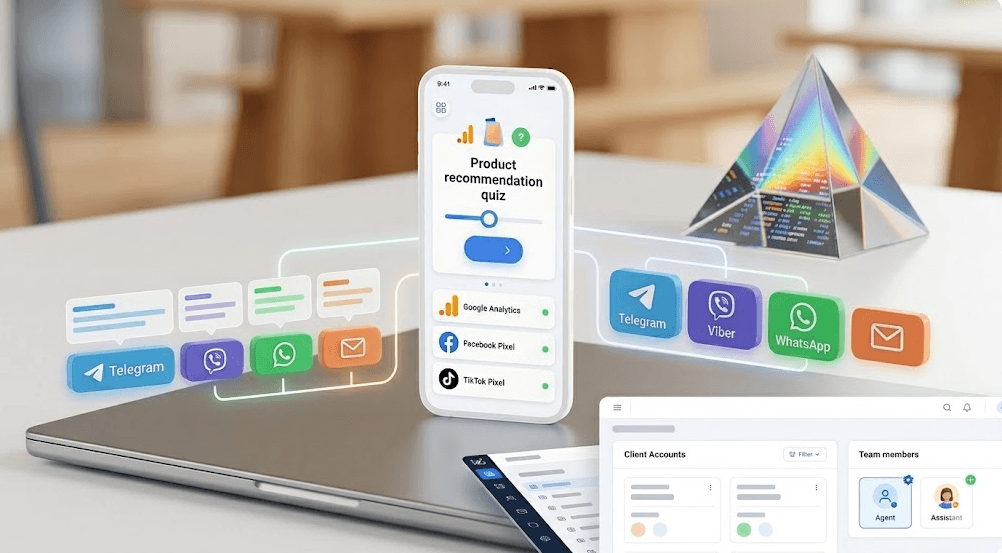
Key principle: each quiz step is a separate event for the pixel.
What to track:
ViewContent— the user opened the quiz (first screen)Leador custom event — the user started the quiz (clicked "Start")- Intermediate events at each step—
QuizStep1,QuizStep2, etc. CompleteRegistration— the user left Email
Why is this necessary? If you send only the final event (email) to the ad network, the algorithm learns on a small sample. Intermediate events provide more signals and speed up the transition out of the learning phase.
Optimize by step, not by final. This is especially important at the start of a campaign. Optimize for the "started quiz" or "reached step 3" events—they have higher conversion rates, and the algorithm will learn faster. Once you've collected statistics, switch to email optimization.
Parallel pixels. If the advertiser provides their own pixel, place it on the final page. Your own pixel should be used for all steps. This doesn't conflict with each other, but it gives you your own data for optimization and retargeting.
Step-by-Step Retargeting. Users who reached step 4 but didn't leave an email are the hottest audience. Segment them separately and display a special creative: "You're almost a participant—one more step."
Bottom Line
A quiz in sweepstakes arbitrage solves several problems at once: it warms up cold traffic, creates an emotional context around the giveaway, filters out fraud, and provides the advertising algorithm with enough signals for optimization.
This isn't about complicating the funnel for the sake of complicating it. It's about eliminating the key gap—between someone scrolling through their feed and someone who wants to participate in the giveaway.
A well-designed quiz turns this transition into a natural process. And this is reflected in the numbers – lower CPA, a cleaner database, better ROI.
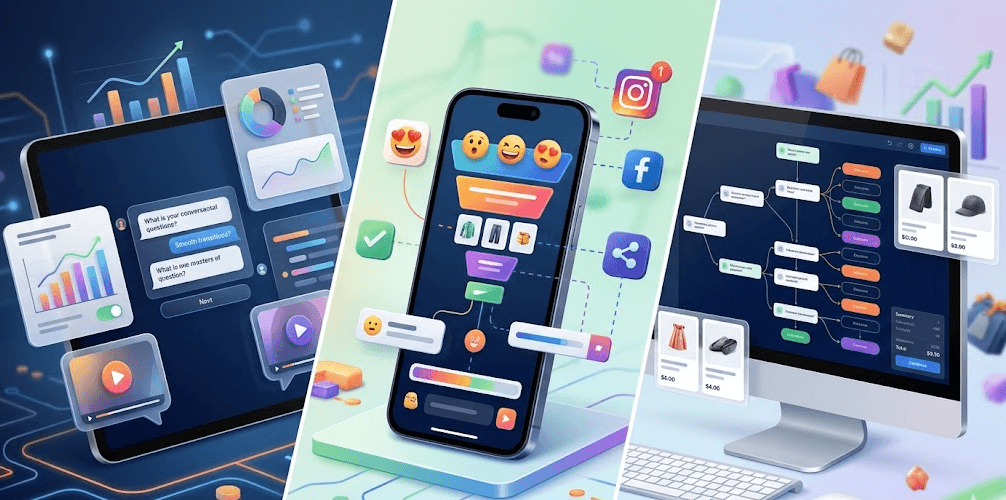
At IziUp, we've made it so that such a funnel can be built in an hour – with branching, pixels, and integrations. No developer required.
The IziUp Team